

Your email stays in your Microsoft environment
Made for professionals who take data security seriously
InboxTidy is installed inside your Microsoft 365 tenant, so your business keeps control of its email data. We do not need to host or store your email content in a separate vendor platform.
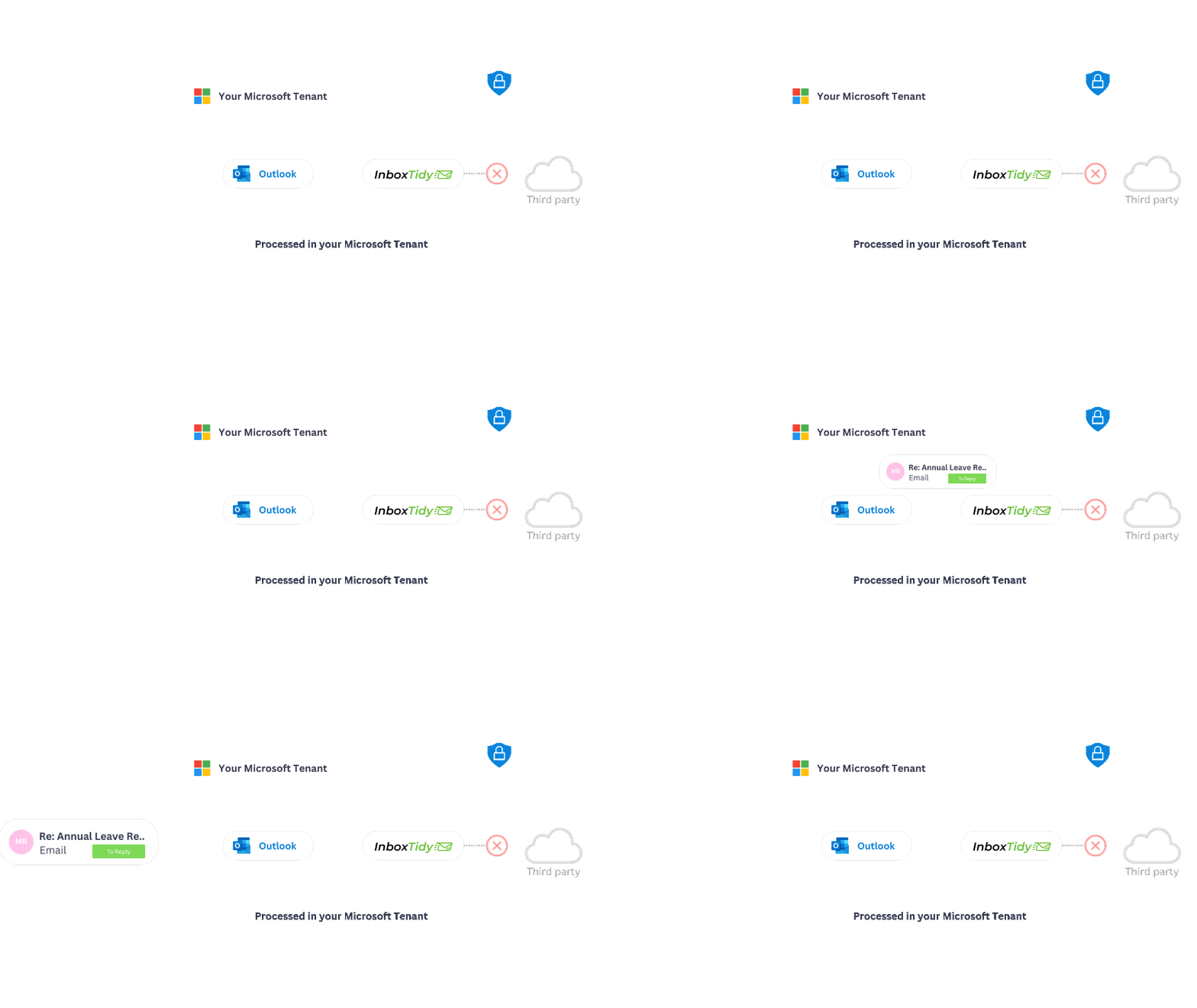

InboxTidy is a Microsoft Power Platform managed solution installed in your tenant. It uses Microsoft services your IT team already knows, so email processing stays within your controlled environment.
Spot the emails that need action
Cut through inbox noise & focus on Priorities
InboxTidy separates requests, follow ups, approvals, meetings, updates, system messages, and marketing emails into clearer categories. Your team can focus on what needs attention first, instead of scanning every email manually.

Tell InboxTidy what your team needs to find, such as renewals, supplier delays, customer issues, approvals, or finance requests. InboxTidy uses that instruction to help sort future emails.
Draft replies users can review and edit
Responses drafted in your inbox, in your writing style
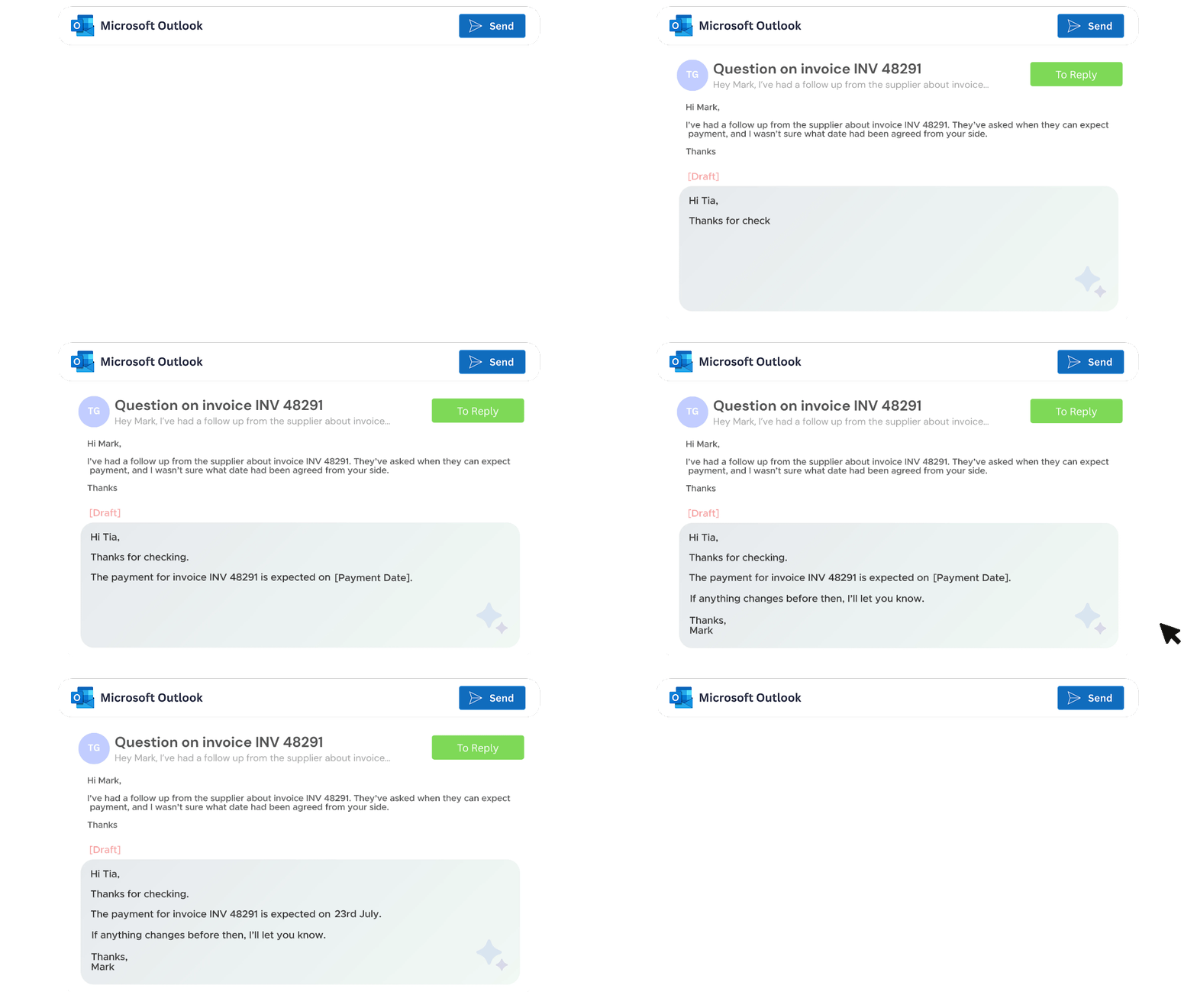
InboxTidy can prepare reply drafts for emails that need a response. Users stay in control, review the wording, make changes, and send only when they are ready.
What to know before using InboxTidy
InboxTidy is designed to fit into your Microsoft 365 environment with a straightforward setup process, clear data handling, and practical support.

Simple onboarding
We guide the setup with your IT team, from tenant configuration through to mailbox setup, testing, and user rollout.

Security comes first
InboxTidy is installed in your Microsoft 365 tenant, with email processing kept inside your controlled Microsoft environment.

Built for Microsoft 365
InboxTidy works with your existing Microsoft 365 setup, making it easier to improve email handling without changing the tools your team already uses.

See it before you commit
Book a demo and see how InboxTidy categorises emails, applies tags, and supports draft responses using real business scenarios.
We can show examples for shared mailboxes, personal mailboxes, customer service, finance, HR, procurement, and management inboxes.